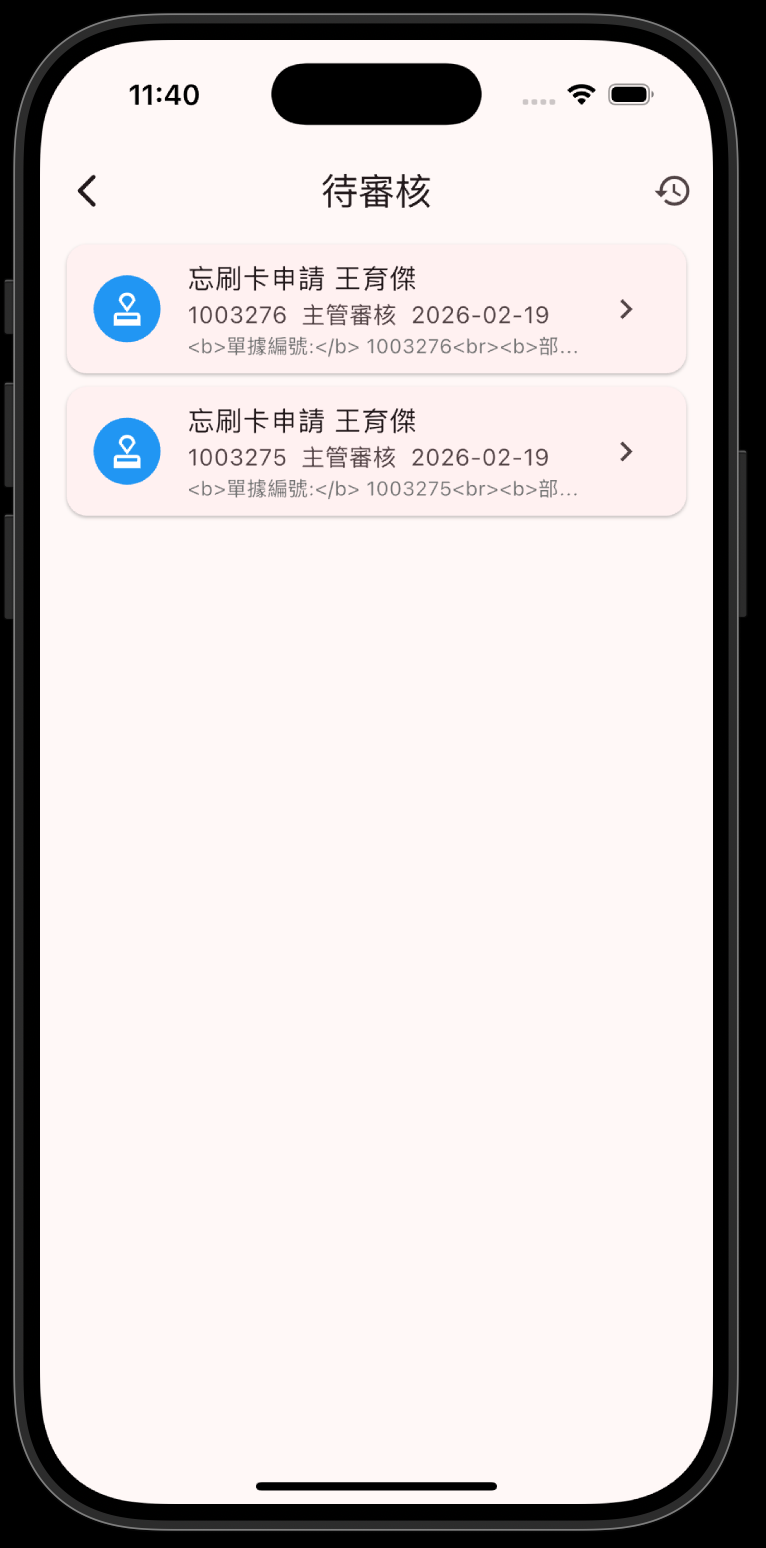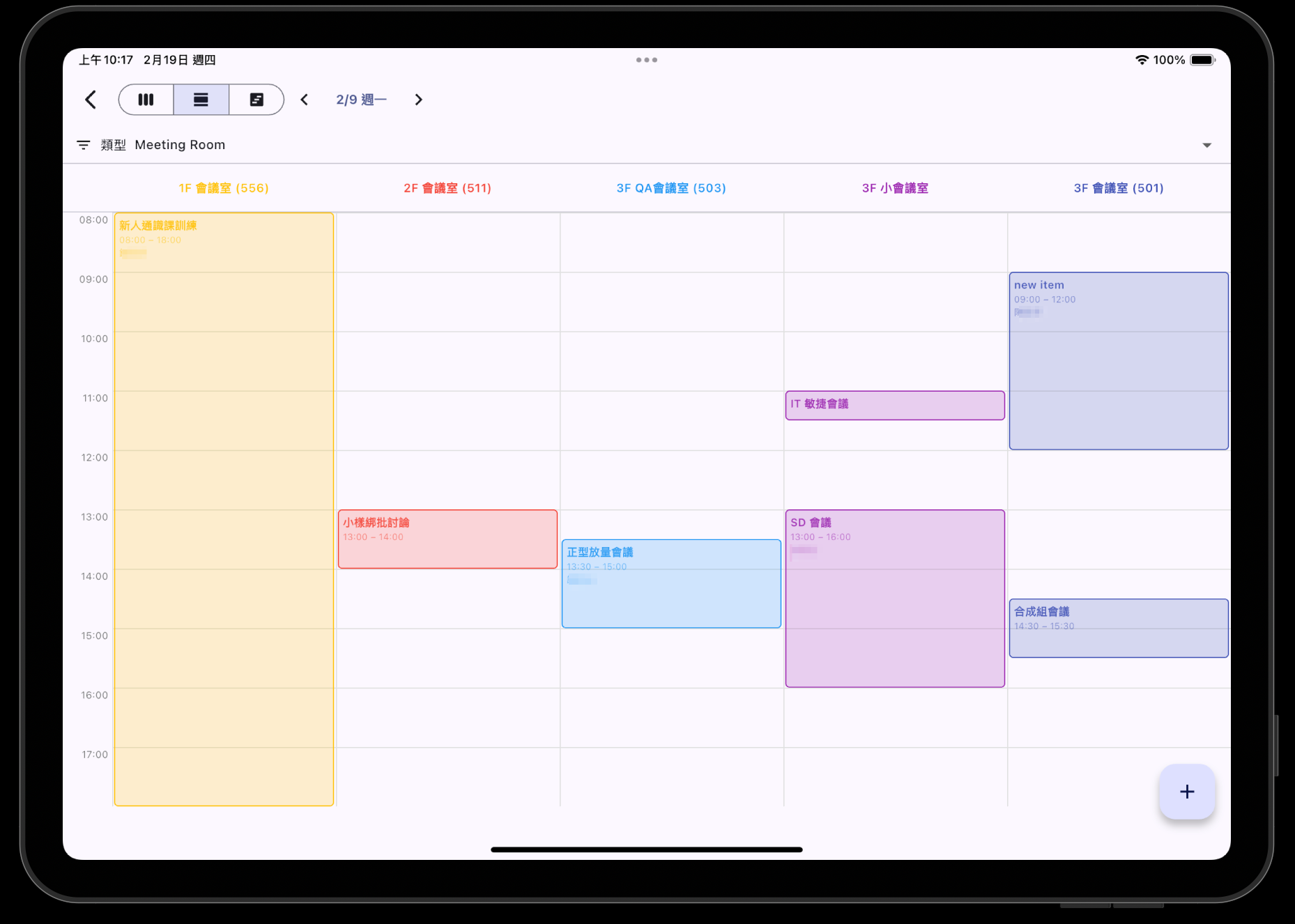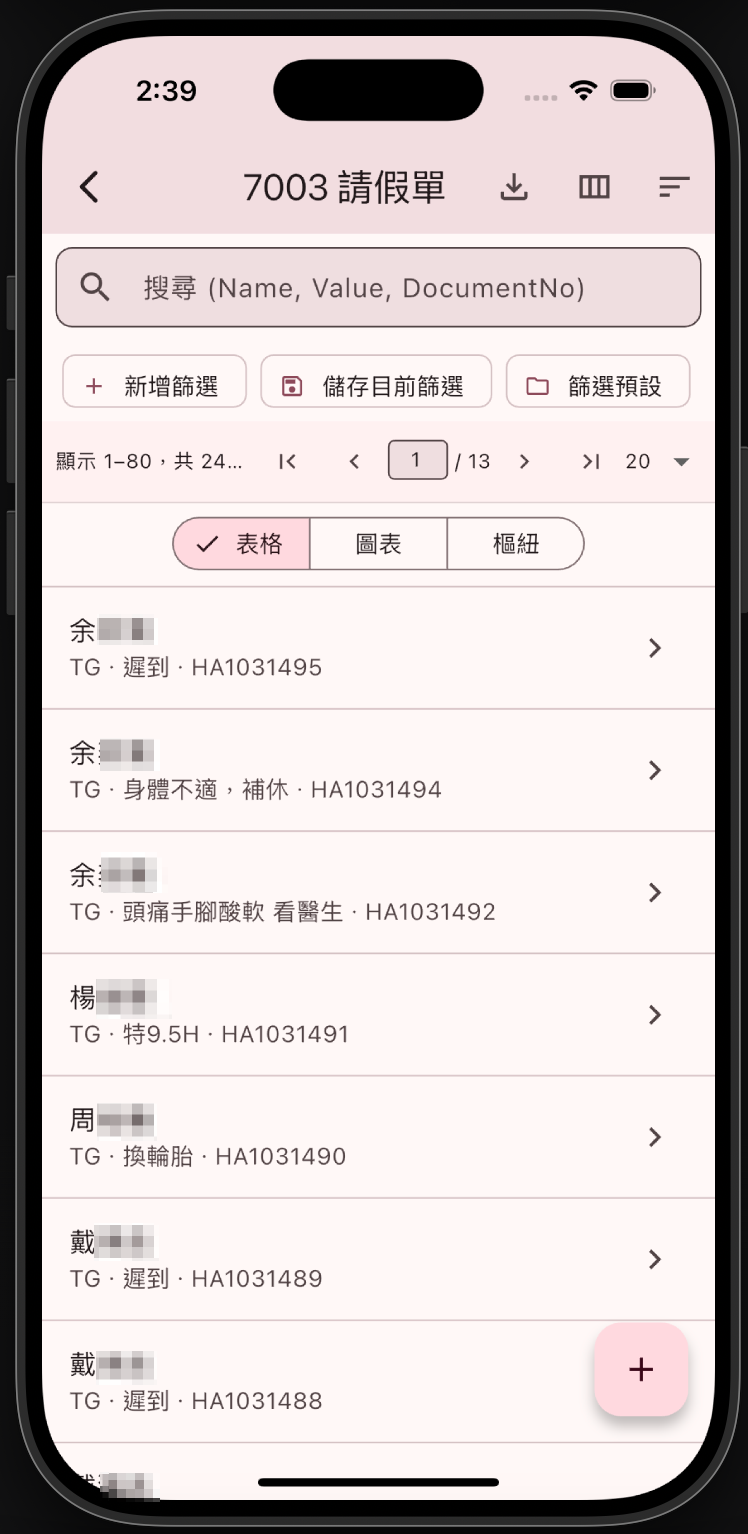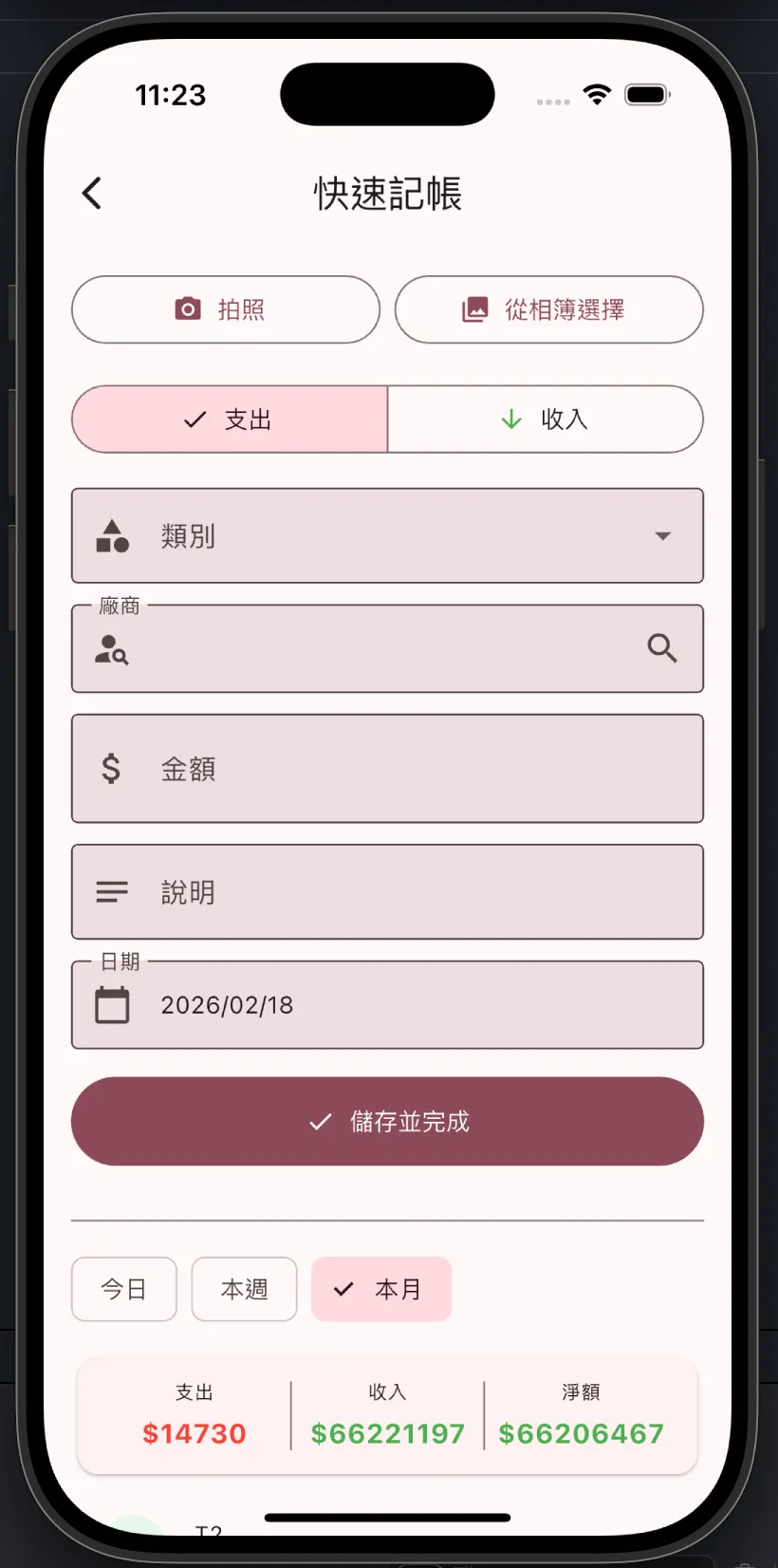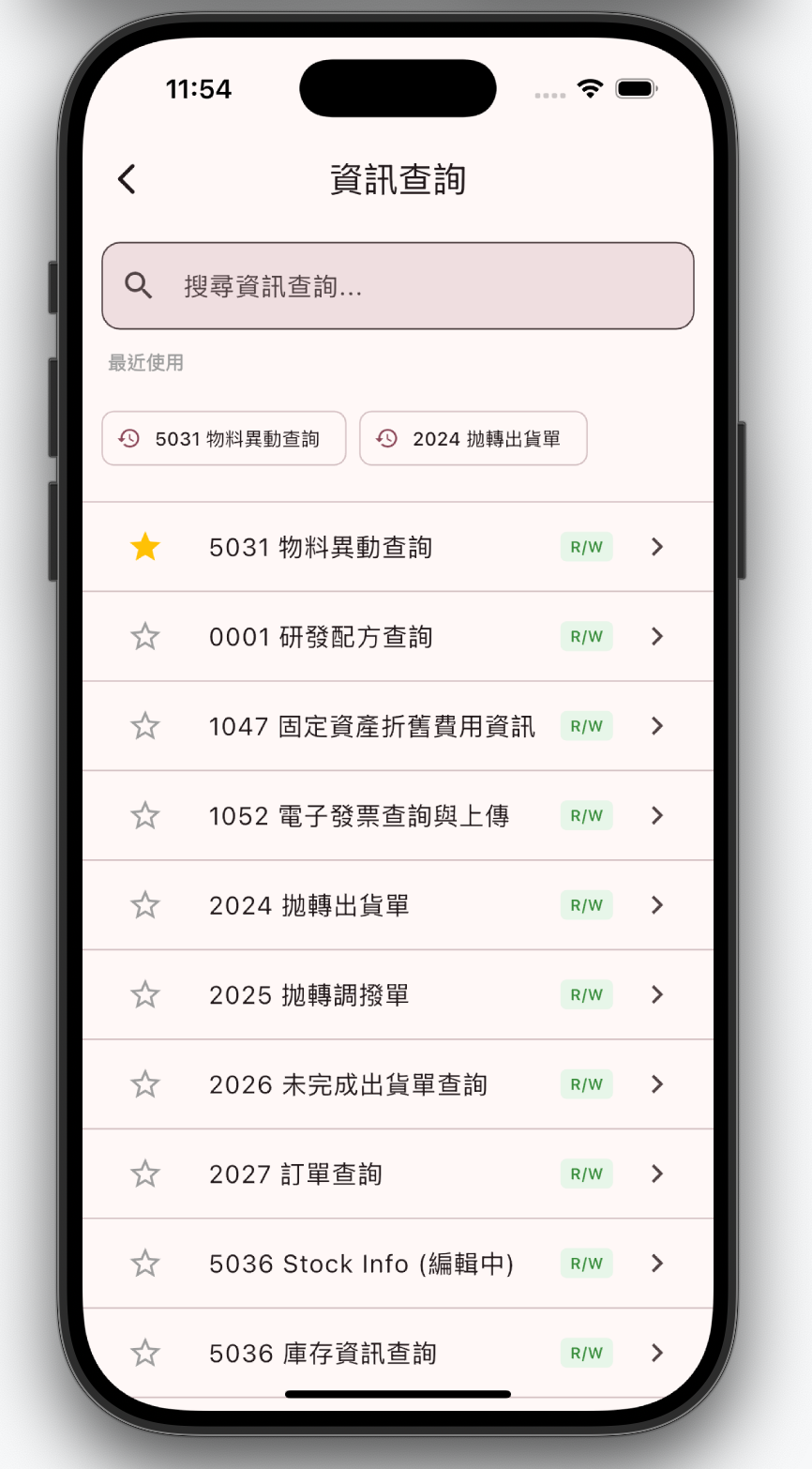
架構概述

分層架構

iDempiere Mobile 是以 Flutter 打造的 iDempiere ERP 行動客戶端,透過 idempiere-rest 外掛提供的 OData REST API 與伺服器通訊。

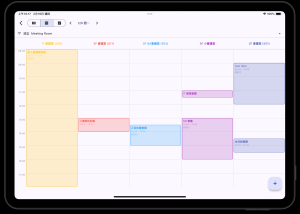
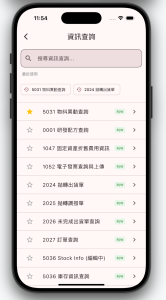
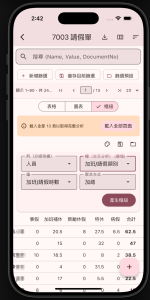
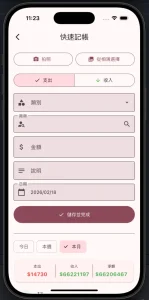
應用程式圍繞 8 大業務循環(銷售、採購、財務、庫存、生產、總帳、資產、薪資)以及投資與工作管理,為 iDempiere 標準業務視窗提供增強的行動體驗。

┌──────────────────────────────────────────────┐
│              UI(畫面 / 小工具)                │  Flutter widgets, GoRouter
├──────────────────────────────────────────────┤
│          狀態管理(Riverpod Notifiers)         │  StateNotifier, AsyncNotifier
├──────────────────────────────────────────────┤
│             資料存取層(Repositories)           │  資料取得, OData 查詢
├──────────────────────────────────────────────┤
│           API 客戶端(Dio)                     │  HTTP, JWT 認證, 攔截器
├──────────────────────────────────────────────┤
│         iDempiere REST API                    │  OData 篩選, 展開, CRUD
└──────────────────────────────────────────────┘

資料由上而下流動(UI → 狀態 → Repository → API → iDempiere),狀態通知則透過 Riverpod providers 由下而上傳遞。

目錄結構

lib/
├── main.dart                          # 進入點, Firebase 初始化
├── app.dart                           # MaterialApp.router 設定
├── core/
│   ├── api/
│   │   ├── api_client.dart            # Dio 客戶端, 通用 CRUD, 使用者可見度
│   │   ├── auth_interceptor.dart      # JWT Bearer token + 自動刷新
│   │   ├── context_interceptor.dart   # AD_Language / 上下文標頭
│   │   ├── retry_interceptor.dart     # 網路錯誤自動重試
│   │   ├── token_storage.dart         # 安全 token 持久化
│   │   ├── workflow_api.dart          # 核准/駁回/轉發/確認
│   │   ├── attachment_api.dart        # 檔案附件
│   │   └── print_api.dart            # 列印格式取得
│   ├── config/
│   │   ├── enhanced_module_registry.dart  # 選單 → 功能路由對應
│   │   ├── dashboard_module.dart          # 儀表板卡片定義
│   │   ├── app_modules.dart               # 固定儀表板模組
│   │   ├── branding_config.dart           # 白牌設定 (AD_SysConfig)
│   │   └── base_url_storage.dart          # 伺服器 URL 持久化
│   ├── constants/
│   │   └── api_constants.dart         # API URL 模式, 表格名稱
│   ├── document_framework/            # ★ 設定驅動文件畫面
│   │   ├── config/
│   │   │   ├── document_config.dart      # 核心設定模型
│   │   │   ├── field_config.dart         # 欄位顯示類型
│   │   │   ├── filter_config.dart        # 狀態篩選, 額外篩選
│   │   │   ├── document_registry.dart    # 靜態登錄: find(action, targetId)
│   │   │   └── standard_configs.dart     # 啟動時註冊所有標準設定
│   │   ├── data/
│   │   │   └── document_repository.dart  # 通用 CRUD + OData
│   │   ├── domain/
│   │   │   └── document_list_notifier.dart  # 列表狀態管理
│   │   ├── presentation/
│   │   │   ├── document_list_screen.dart    # 通用列表畫面
│   │   │   ├── document_detail_screen.dart  # 通用詳情畫面
│   │   │   └── widgets/                     # 狀態標籤, 資訊列等
│   │   └── document_routes.dart       # 從 registry 自動產生路由
│   ├── router/
│   │   └── app_router.dart            # GoRouter: 認證轉導, 所有路由
│   ├── services/
│   │   └── fcm_service.dart           # Firebase Cloud Messaging
│   └── widgets/                       # 共用可重複使用元件
├── features/
│   ├── login/                         # 認證流程
│   ├── dashboard/                     # 主儀表板
│   ├── sales_order/                   # 設定驅動(1 個檔案)
│   ├── purchase_order/                # 設定驅動(1 個檔案)
│   ├── invoice/                       # 設定驅動(1 個檔案)
│   ├── payment/                       # 設定驅動(1 個檔案)
│   ├── requisition/                   # 自訂(表單編輯器)
│   ├── booking/                       # 自訂(日曆 UI)
│   ├── attendance_dashboard/          # 自訂(週/月儀表板)
│   ├── approval/                      # 工作流程核准
│   ├── chat/                          # 即時聊天(WebSocket)
│   ├── report/                        # 流程 / 報表檢視器
│   ├── info_window/                   # 資訊視窗檢視器
│   ├── window/                        # 通用視窗瀏覽器
│   └── ...
└── l10n/
    ├── app_zh_TW.arb                  # 範本 ARB(主要)
    ├── app_en.arb                     # 英文
    ├── app_zh.arb                     # 簡體中文
    └── app_ja.arb                     # 日文

文件畫面框架(Document Screen Framework)

這是應用程式的核心架構模式。它透過「設定取代程式碼」的方式,消除每個功能的重複樣板程式碼。

框架前後對比

面向 傳統方式(手動撰寫) 框架方式(設定驅動)
每個功能的檔案數 6+ 個(model, repo, notifier, list, detail, routes) 1 個設定檔
每個功能的程式行數 ~500 行 ~50 行
新增一個功能 複製貼上 + 修改 6 個檔案 寫 1 個設定 + 2 個 l10n key
維護修復 在 30 個地方修正 bug 在框架中修正一次

運作原理

1. 設定 (Config)           2. 登錄 (Registry)         3. 畫面 (Screens)
┌─────────────────┐    ┌───────────────────┐    ┌──────────────────────┐
│ DocumentConfig   │───►│ DocumentRegistry   │───►│ DocumentListScreen   │
│ - tableName      │    │ find(action, id)  │    │ DocumentDetailScreen │
│ - fields         │    │ register(config)  │    │ (從 config 讀取)     │
│ - filters        │    └───────────────────┘    └──────────────────────┘
│ - actions        │              │
│ - routes         │              ▼
└─────────────────┘    ┌───────────────────────────┐
                       │ generateDocumentRoutes()   │
                       │ → 每個 config 產生 GoRoute  │
                       └───────────────────────────┘
  1. ConfigDocumentConfig)— 宣告所有資訊:表格名稱、欄位、篩選、動作、路由
  2. RegistryDocumentRegistry)— 儲存所有 config,以 (action, targetId) 查詢
  3. 通用畫面DocumentListScreenDocumentDetailScreen)— 根據 config 渲染
  4. 自動路由generateDocumentRoutes())— 從所有已註冊的 config 建立 GoRoute

Config 註冊流程

// 在應用程式啟動時(main.dart):
registerStandardConfigs();  // 註冊 23 個 DocumentConfig

// 每個 config 是一個頂層變數:
// lib/features/sales_order/sales_order_config.dart
final salesOrderConfig = DocumentConfig(
  targetId: 143,          // AD_Window_ID
  tableName: 'C_Order',
  title: (l10n) => l10n.salesOrderTitle,
  ...
);

選單解析流程

當使用者點擊 iDempiere 選單項目時,應用程式依序解析要顯示哪個畫面:

使用者點擊選單項目 (action='W', targetId=143)
       │
       ▼
findEnhancedModule(action, targetId)
       │
       ├──► 1. DocumentRegistry.find()    → 設定驅動畫面(23 個功能)
       │
       ├──► 2. enhancedModuleRegistry[]   → 舊版自訂畫面(7 個功能)
       │
       └──► 3. 通用視窗瀏覽器             → 未對應視窗的後備方案

設定驅動 vs 自訂功能

面向 設定驅動 自訂功能
檔案數 1 個設定檔(~50 行) 6+ 個檔案(data/domain/presentation)
適用場景 標準 列表 → 詳情 → 動作 表單、日曆、儀表板、複雜 UI
數量 23 個功能 ~15 個功能
範例 銷售訂單、發票、產品 請購單、預約、聊天、核准

狀態管理

Riverpod Providers

  • apiClientProvider — 單例 Dio 客戶端,含認證攔截器
  • tokenStorageProvider — JWT token 持久化
  • brandingConfigProvider — 伺服器端品牌設定(FutureProvider)
  • 設定驅動功能 — 每個 config 一個 DocumentListNotifier(auto-dispose)
  • 自訂功能 — 各功能自有 StateNotifier / AsyncNotifier

列表畫面模式

DocumentListNotifier (StateNotifier<DocumentListState>)
  ├── records: List<Map<String, dynamic>>
  ├── isLoading: bool
  ├── filter: String          (搜尋文字)
  ├── statusFilter: String    (DocStatus 篩選標籤)
  ├── extraFilters: Map       (額外篩選)
  ├── page / hasMore          (分頁)
  └── methods: refresh(), fetchNextPage(), setFilter(), setStatusFilter()

詳情畫面模式

FutureProvider.autoDispose<Map<String, dynamic>>  // 標頭記錄
FutureProvider.autoDispose<List<Map>>              // 明細行項目

路由

使用 GoRouter,在 /dashboard 下使用巢狀路由:

/login                          → LoginScreen
/dashboard                      → DashboardScreen (ShellRoute)
  /dashboard/sales-order        → DocumentListScreen(自動產生)
  /dashboard/sales-order/:id    → DocumentDetailScreen(自動產生)
  /dashboard/requisition        → RequisitionListScreen(手動)
  /dashboard/requisition/new    → RequisitionFormScreen(手動)
  /dashboard/booking            → BookingScreen(手動)
  /dashboard/window/:id         → GenericWindowScreen(後備方案)

設定驅動的路由由 generateDocumentRoutes() 自動產生。自訂功能則在 app_router.dart 中手動註冊路由。

權限模型

權限完全由伺服器驅動 — Flutter 應用程式不執行存取控制。

iDempiere 伺服器
  └── 角色 (Role)
       ├── AD_Window_Access    → 角色可存取的視窗
       ├── AD_Process_Access   → 可執行的流程/報表
       └── AD_Form_Access      → 可使用的表單
            │
            ▼
       選單樹 API (/api/v1/menus/{treeId})
            │
            ▼
       Flutter 僅接收已授權的選單項目
            │
            ▼
       findEnhancedModule() 對應到 Flutter 路由

應用程式只顯示伺服器篩選後的選單樹所回傳的項目,不需要客戶端的權限檢查。

本地化

支援 4 種語言:zh_TW(範本)、enzhja

  • 範本 ARB:lib/l10n/app_zh_TW.arb — 先在此新增 key
  • 產生的類別:SAppLocalizations 的別名)
  • 使用方式:S.of(context).myKeyl10n.myKey
  • 設定驅動功能使用延遲求值:title: (l10n) => l10n.featureTitle

關鍵設計決策

為何用設定驅動而非程式碼產生?

Config 物件是執行時期值 — 無需建置步驟、無產生的檔案、可立即 hot reload。開發者新增一個檔案即可讓功能運作。程式碼產生會增加複雜度(build_runner、模板維護),卻得到相同的結果。

為何使用 Map<String, dynamic> 而非型別化模型?

iDempiere 有 800+ 張表格。為每張表格產生 Freezed 模型並不實際。通用的 Map<String, dynamic> 搭配 DisplayField.resolve() 能統一處理所有表格。$expand 指令回傳含有 ididentifiermodel-name 的巢狀 Map — DisplayField.lookup() 會自動處理。

為何選擇 Riverpod 而非 Bloc/Provider?

Riverpod 提供:auto-dispose(導航時無記憶體洩漏)、ref.watch 實現響應式更新、family providers 支援參數化、以及 repository 中無需 BuildContext 依賴。

🌐 English Version

Layer Architecture

iDempiere Flutter is a mobile client for iDempiere ERP. It connects to iDempiere via the idempiere-rest plugin’s OData-based REST API.

The app provides enhanced mobile screens for iDempiere’s standard business windows, organized around the 8 business cycles (Sales, Purchasing, Financing, Inventory, Production, GL, Assets, Payroll) plus Investment and Work Management.

┌──────────────────────────────────────────────┐
│              UI (Screens/Widgets)             │  Flutter widgets, GoRouter
├──────────────────────────────────────────────┤
│          State (Riverpod Notifiers)          │  StateNotifier, AsyncNotifier
├──────────────────────────────────────────────┤
│             Repositories                      │  Data fetching, OData queries
├──────────────────────────────────────────────┤
│           API Client (Dio)                    │  HTTP, JWT auth, interceptors
├──────────────────────────────────────────────┤
│         iDempiere REST API                    │  OData filters, expand, CRUD
└──────────────────────────────────────────────┘

Data flows downward (UI → State → Repository → API → iDempiere). State notifications flow upward via Riverpod providers.

Document Screen Framework

The framework is the core architectural pattern. It eliminates per-feature boilerplate by using configuration instead of code.

Aspect Before (hand-coded) After (config-driven)
Files per feature 6+ (model, repo, notifier, list, detail, routes) 1 config file
Lines per feature ~500 ~50
Adding a feature Copy-paste + modify 6 files Write 1 config + 2 l10n keys
Maintenance Fix bugs in 30 places Fix once in framework

How It Works

  1. Config (DocumentConfig) declares everything: table name, fields, filters, actions, routes
  2. Registry (DocumentRegistry) stores configs, looked up by (action, targetId)
  3. Generic screens (DocumentListScreen, DocumentDetailScreen) render from config
  4. Auto-routing (generateDocumentRoutes()) creates GoRoutes from all registered configs

Menu Resolution

When a user taps an iDempiere menu item, the app resolves which screen to show:

  1. DocumentRegistry.find() → Config-driven screen (23 features)
  2. enhancedModuleRegistry[] → Legacy custom screen (7 features)
  3. Generic Window browser → Fallback for unmapped windows

State Management

  • apiClientProvider — singleton Dio client with auth interceptors
  • tokenStorageProvider — JWT token persistence
  • brandingConfigProvider — server-side branding (FutureProvider)
  • Config-driven features use DocumentListNotifier per config (auto-dispose)
  • Custom features use per-feature StateNotifier/AsyncNotifier

Routing

GoRouter with nested routes under /dashboard. Config-driven routes are auto-generated by generateDocumentRoutes(). Custom features register routes manually in app_router.dart.

Permission Model

Permissions are server-driven — the Flutter app does not enforce access control. The app only shows menu items that the server’s filtered Menu Tree returns.

Localization

4 languages: zh_TW (template), en, zh, ja. Template ARB: lib/l10n/app_zh_TW.arb. Config-driven features use title: (l10n) => l10n.featureTitle for lazy evaluation.