
iDempiere Mobile
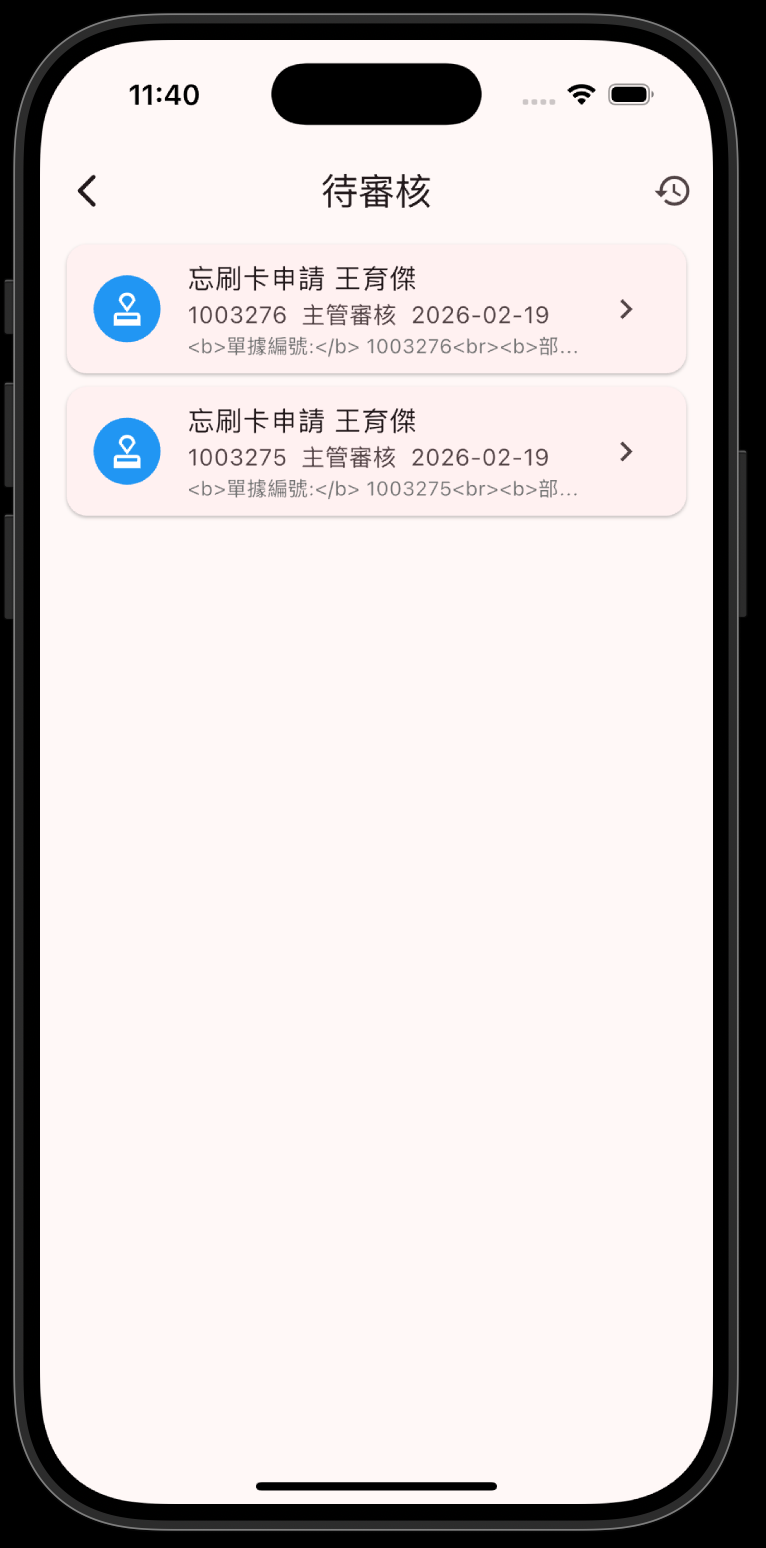
把整間公司塞進口袋 — 老闆終於可以在海灘批公文了
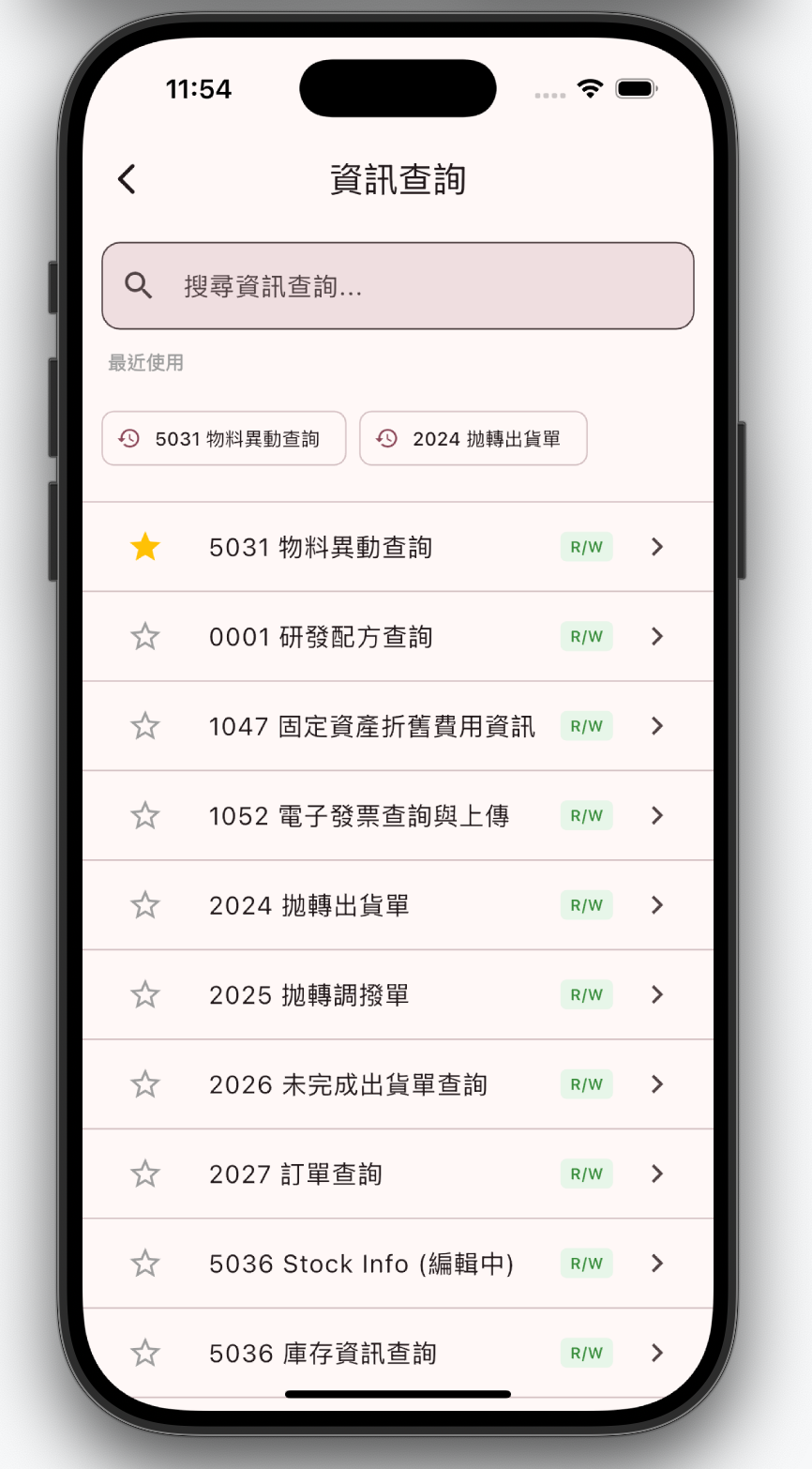
想親手試試?30 秒就能開始
Want to try it yourself? Start in 30 seconds
試してみませんか?30秒で始められます
最新文章

阿米巴經營:讓每個部門都像老闆一樣操心(然後你就可以少操心)
想親手試試?30 秒就能開始 Want …
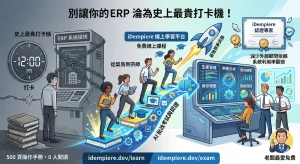
花了大錢買 ERP,結果員工只會用來打卡?線上課程拯救你的投資報酬率
想親手試試?30 秒就能開始 Want …
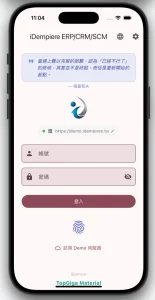
🧪 iDempiere Mobile 開放內測!來當白老鼠吧
iDempiere Mobile App…
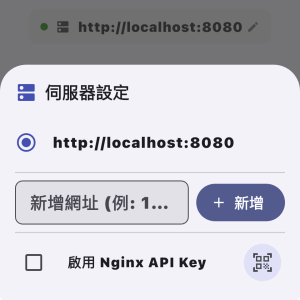
掃一下就連上 — QR Code 快速設定伺服器教學
手動打伺服器網址的時代結束了。掃一下 Q…

台灣中小製造業的 ERP 行動化實踐 — 真實案例分享
想親手試試?30 秒就能開始 Want …
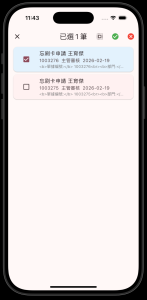
從零設定簽核工作流程 — 讓審批自動跑起來
想親手試試?30 秒就能開始 Want …
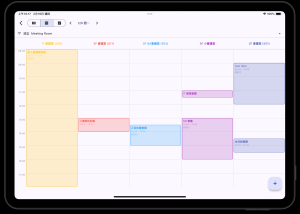
iDempiere 安裝到第一筆訂單:30 分鐘完整教學
想親手試試?30 秒就能開始 Want …
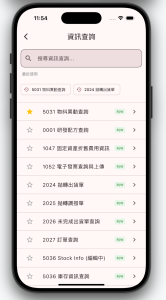
5 款開源 ERP 行動方案比較 — 2026 年最新評測
想親手試試?30 秒就能開始 Want …
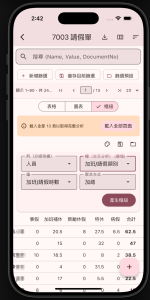
資料視窗全新三大檢視 — 表格・圖表・樞紐分析
手機上的 Excel 來了!表格瀏覽、長…
如何用手機完成採購流程 — 從請購到付款的完整教學
想親手試試?30 秒就能開始 Want …
三種方式,立即開始
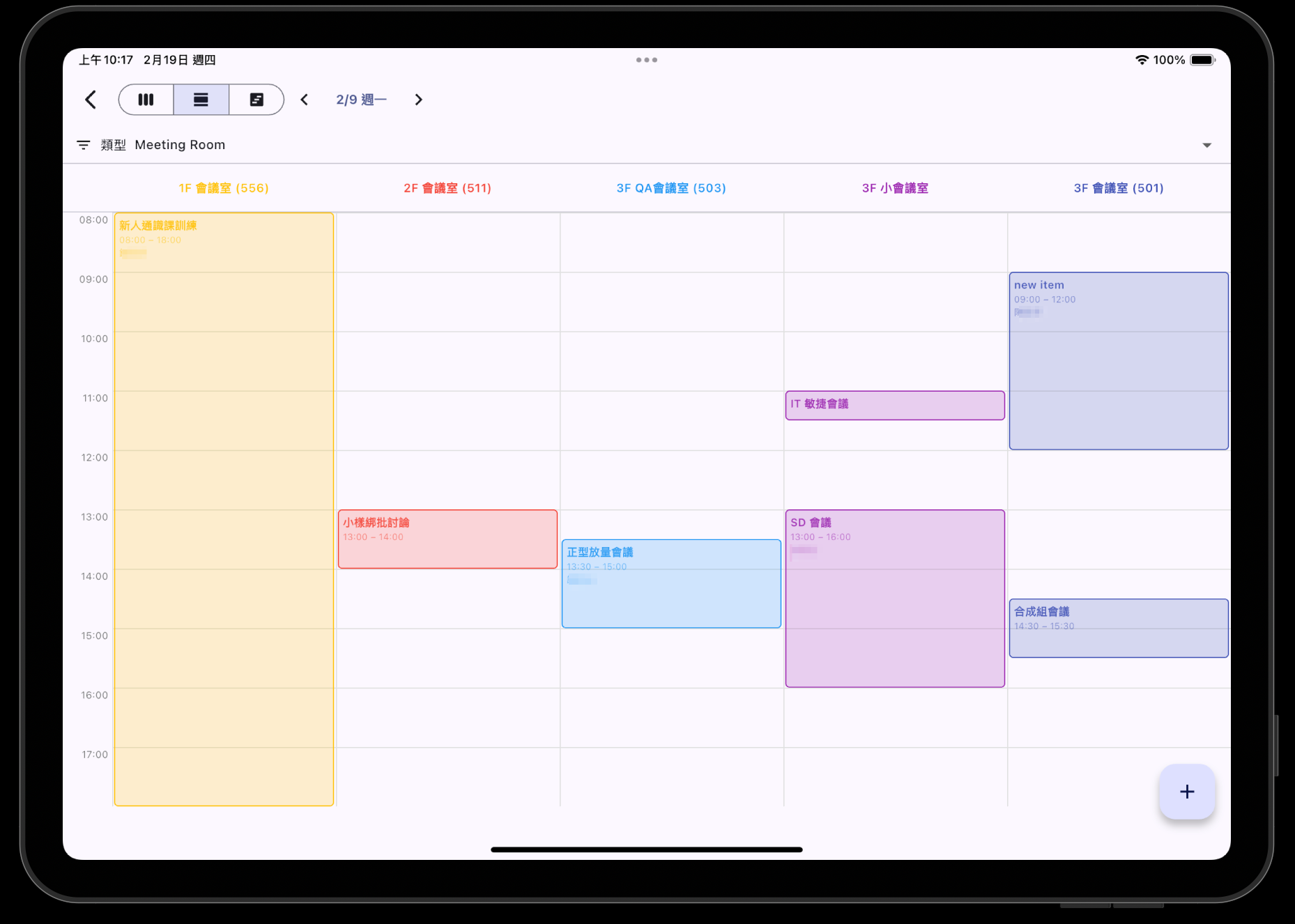
八大業務循環,一手掌握
💰 銷售與收款
銷售訂單、客戶發票、出貨、收款、商業夥伴管理
了解更多 →
🛒 採購與付款
採購單、供應商發票、電子發票QR掃描、請購單
了解更多 →
🏭 生產與庫存
生產工單、BOM、庫存盤點、條碼掃描、倉庫調撥
了解更多 →
📊 財務與總帳
銀行對帳、現金日記帳、總帳分錄、資產管理、現金部位
了解更多 →
🔬 研發管理
配方管理、實驗追蹤、測試結果、成本分析、生產力儀表板
了解更多 →
👥 人資管理
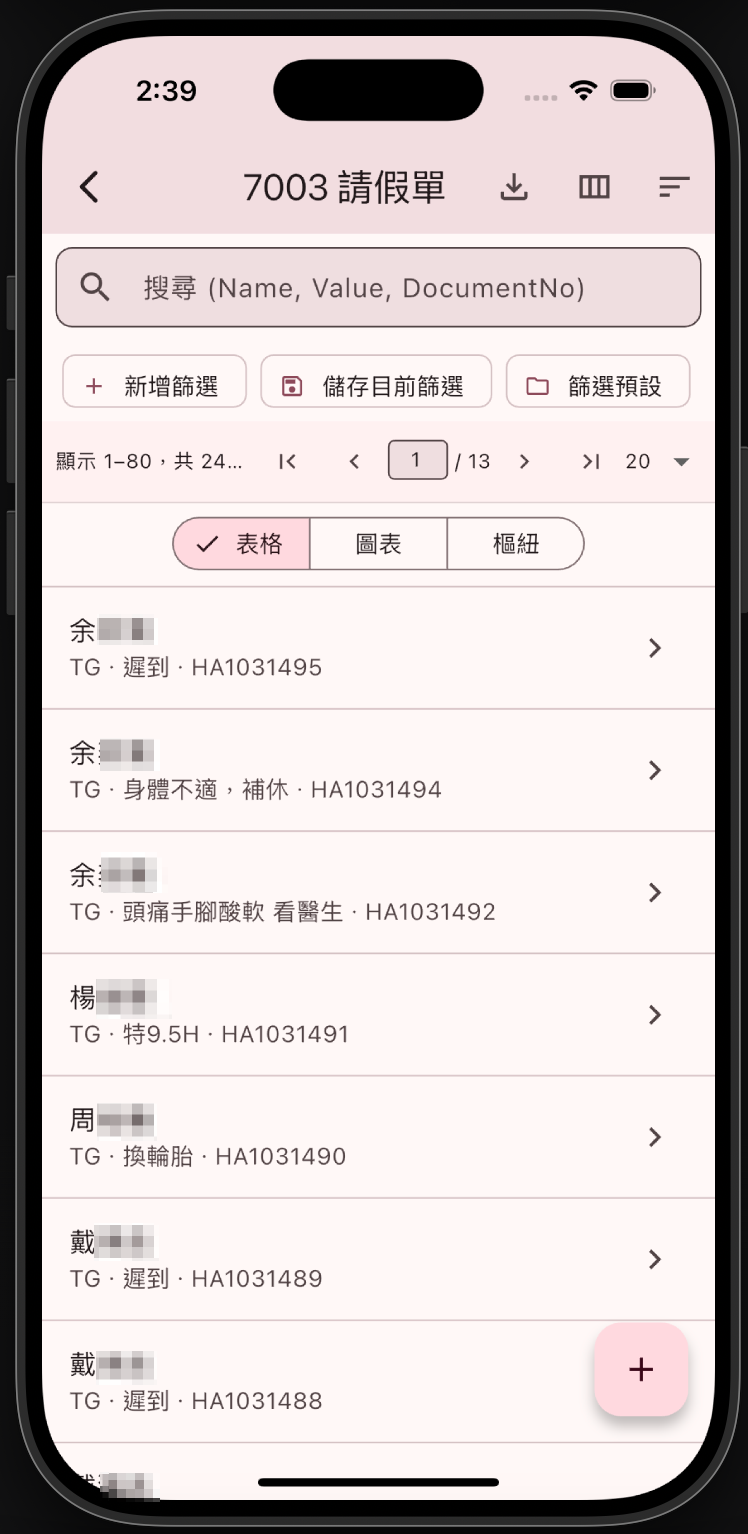
請假申請、團隊出勤、員工資料、加班管理
了解更多 →
核心優勢
選單、權限、品牌全由伺服器控制,無需更新App
82個功能僅需設定檔(約50行),無需撰寫程式碼
本地快取確保網路不穩時仍可繼續操作
支援 Face ID / Touch ID 安全認證
客戶怎麼說
來自真實企業用戶的回饋
導入 iDempiere Mobile 後,業務同仁在客戶端就能即時查庫存、下單,訂單處理時間縮短了 60%。
老闆最愛的功能是手機簽核,現在出差也不會卡住整個審批流程。阿米巴儀表板讓各部門績效一目了然。
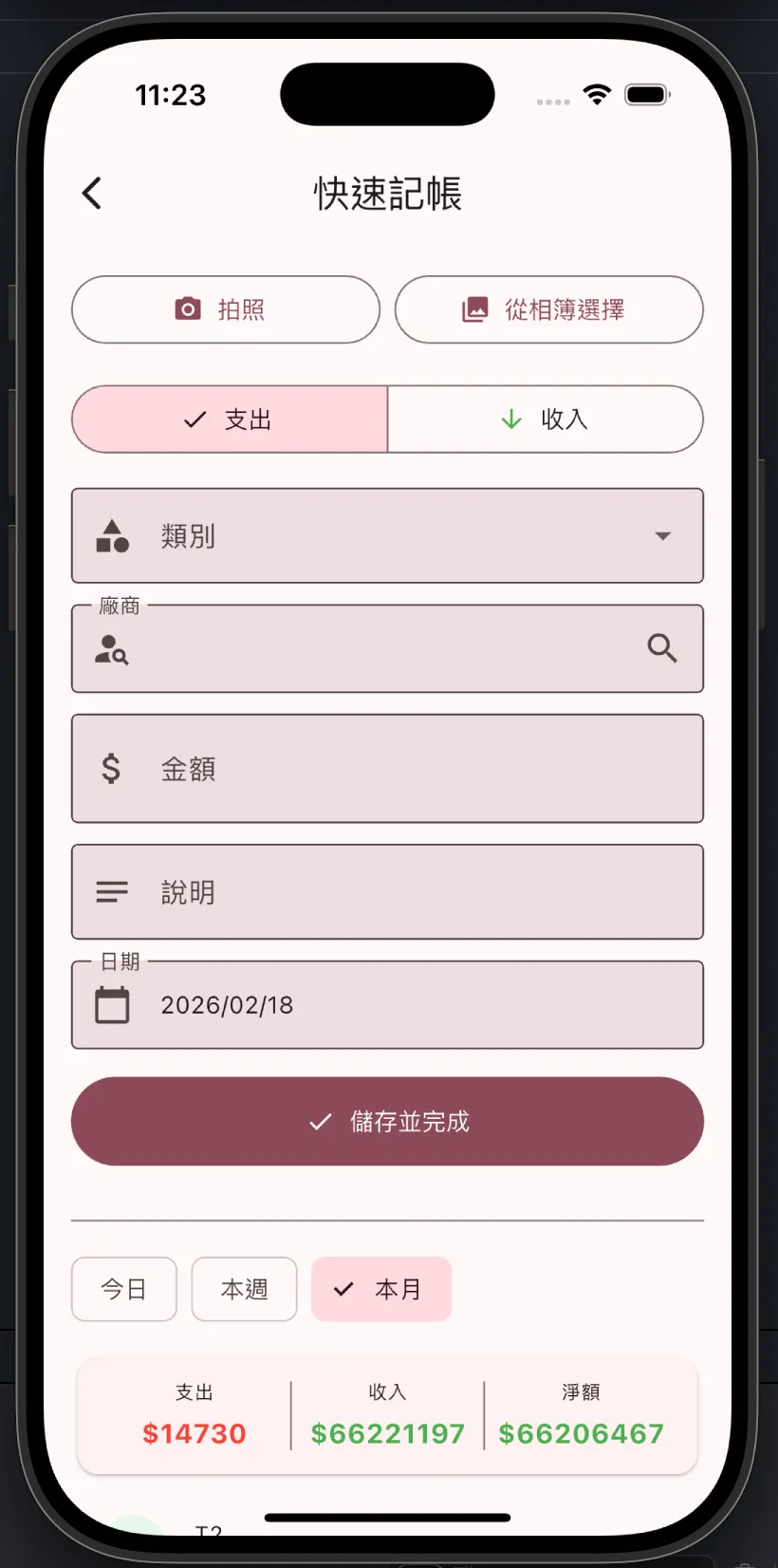
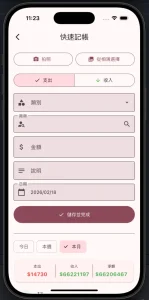
快速記帳功能讓我們的倉管人員從手寫表單轉為掃碼入帳,錯誤率從 15% 降到趨近於零。
自從用了這個 APP,我已經想不起來上次登入桌面版 ERP 是什麼時候了。可能是上輩子吧。
🌐 English Version
iDempiere Mobile
Your entire company fits in your pocket — the boss can finally approve documents on the beach
Three Ways to Get Started
🎮 Try It Now
No install, no setup, no purchase order, no waiting for your boss’s good mood — open your cellphone and become a fingertip CEO in 3 seconds. Our demo server runs 24/7 — more reliable than your most dedicated employee.
🔧 Host Your Own
Got your own data center? Great, you’re the type who sets up their own Wi-Fi router. We get you. Our step-by-step guide goes from zero to production — no “please contact sales” detours.
☁️ Pro Hosting, You Profit
Running your own server is like owning a cat — looks cool until something breaks at 3 AM. Our recommended hosting partners keep your ERP humming while you sleep soundly. Focus on your business; let the pros handle the rest.
Built-in 153 Inamori Kazuo Management Quotes
Six Efforts · Twelve Management Principles · Seven Accounting Principles — rotating daily on the dashboard
Eight Business Cycles at Your Fingertips
💰 Sales & Collection
Sales Orders, Customer Invoices, Shipments, Payments, Business Partner Management
Learn More →
🛒 Purchasing & Payment
Purchase Orders, Vendor Invoices, e-Invoice QR Scanning, Requisitions
Learn More →
🏭 Production & Inventory
Production Orders, BOM, Inventory Count, Barcode Scanning, Warehouse Transfers
Learn More →
📊 Finance & GL
Bank Reconciliation, Cash Journal, GL Journal, Asset Management, Cash Position
Learn More →
🔬 R&D Management
Formula Management, Experiment Tracking, Test Results, Cost Analysis, Productivity Dashboard
Learn More →
👥 HR Management
Leave Requests, Team Attendance, Employee Records, Overtime Management
Learn More →
Core Strengths
Menus, permissions, and branding are all controlled by the server — no app updates needed
82 features require only a config file (~50 lines) — no code needed
Local caching ensures continued operation even with unstable network
Face ID / Touch ID support for secure authentication
What Our Users Say
Real feedback from enterprise users
After adopting iDempiere Mobile, our sales team can check inventory and place orders on-site. Order processing time reduced by 60%.
The boss’s favorite feature is mobile approval — business trips no longer block the entire workflow. The Amoeba dashboard shows department performance at a glance.
Quick Invoice transformed our warehouse staff from paper forms to barcode scanning. Error rate dropped from 15% to near zero.
Ever since I started using this app, I can’t remember the last time I logged into the desktop ERP. Probably in a past life.
🇯🇵 日本語版
iDempiere Mobile
会社丸ごとポケットに — 社長、ビーチで決裁できますよ
3つの方法で、今すぐスタート
🎮 今すぐ試す
インストール不要、設定不要、稟議書不要、上司の機嫌待ちも不要 — スマホを開けば3秒で指先ひとつのCEOに。デモサーバーは年中無休、あなたの一番マジメな社員より頼りになります。
🔧 自分でサーバーを構築
自社データセンターをお持ちですか?Wi-Fiルーターも自分で組むタイプですね。わかります。ゼロから本番環境まで、ステップバイステップのガイドをご用意しています。途中で「営業にお問い合わせください」とは言いません。
☁️ プロに任せて、稼ぎに集中
自分でサーバーを管理するのは猫を飼うようなもの — カッコいいけど、深夜3時のトラブルは大変。おすすめのホスティングサービスなら、ERPは安定稼働、あなたはぐっすり安眠。
8つの業務サイクルを手のひらに
💰 販売・回収
販売受注、顧客請求書、出荷、入金、取引先管理
詳細を見る →
🛒 購買・支払
発注書、仕入先請求書、電子インボイスQRスキャン、購買依頼
詳細を見る →
🏭 生産・在庫
製造指図、BOM、棚卸、バーコードスキャン、倉庫間移動
詳細を見る →
📊 財務・総勘定元帳
銀行照合、現金出納帳、仕訳帳、資産管理、キャッシュポジション
詳細を見る →
🔬 研究開発管理
配合管理、実験追跡、試験結果、コスト分析、生産性ダッシュボード
詳細を見る →
👥 人事管理
休暇申請、チーム勤怠、従業員情報、残業管理
詳細を見る →
コアの強み
メニュー、権限、ブランディングをすべてサーバーで制御 — アプリの更新は不要
82の機能は設定ファイル(約50行)のみで実現 — コード不要
ローカルキャッシュにより、不安定なネットワーク環境でも操作を継続
Face ID / Touch ID による安全な認証に対応
お客様の声
企業ユーザーからのリアルなフィードバック
iDempiere Mobile 導入後、営業担当が顧客先でリアルタイムに在庫確認・発注が可能に。受注処理時間が60%短縮されました。
社長のお気に入りはモバイル承認機能 — 出張中も承認フローが止まりません。アメーバダッシュボードで各部門の業績が一目瞭然です。
クイック記帳機能で、倉庫スタッフが手書き伝票からバーコードスキャンに移行。エラー率が15%からほぼゼロに。
このアプリを使い始めてから、最後にデスクトップ版ERPにログインしたのがいつだったか思い出せません。たぶん前世でしょう。