
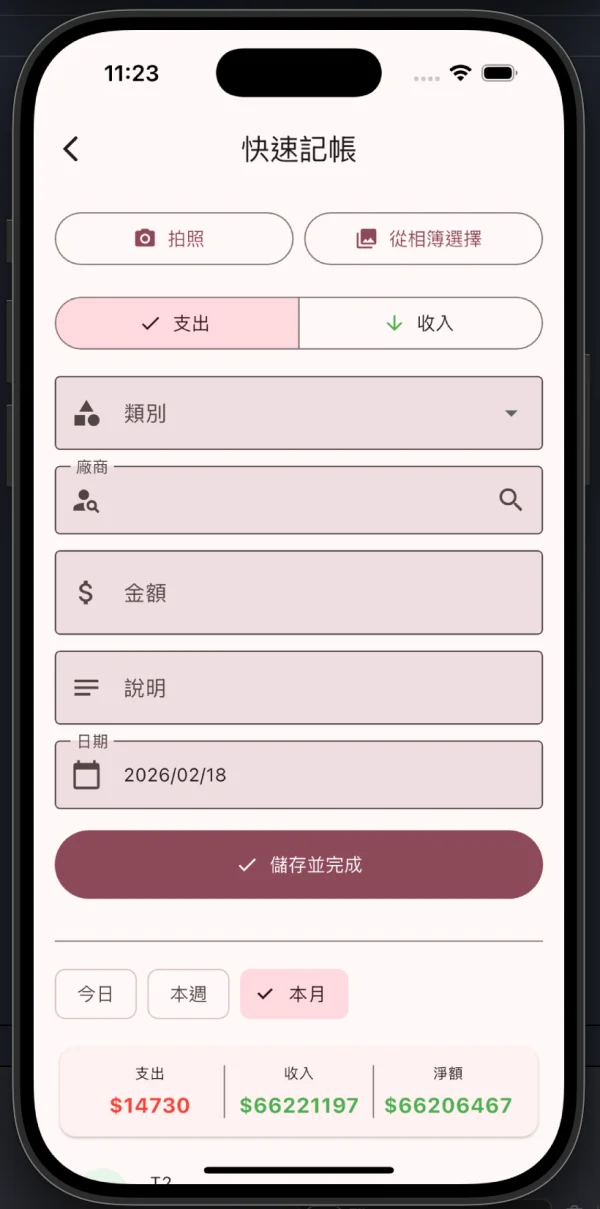
還在電腦前慢慢輸入銷售單?iDempiere Mobile 的快速記帳功能,讓你 3 秒鐘就能完成一筆單據——拍照、選類別、輸金額、按儲存,搞定。支援離線暫存,網路恢復自動同步,就算在地下室也不怕。
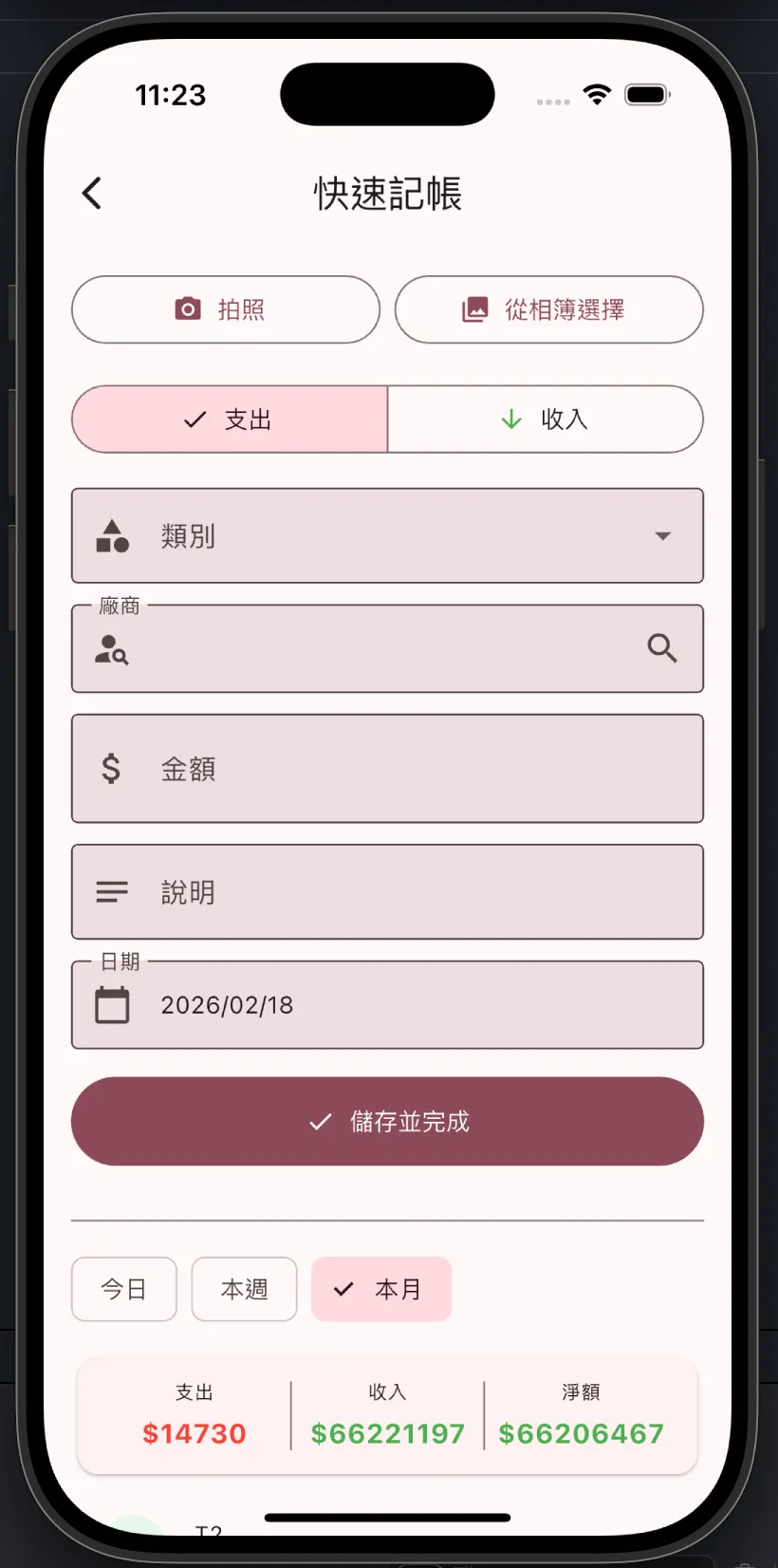
操作流程
拍照或選圖
拍攝發票/收據,或從相簿選擇照片作為附件憑證
選擇類型
切換支出或收入,選擇類別和廠商
填入金額
輸入金額、說明、確認日期——必填欄位就這麼少
儲存並完成
按下「儲存並完成」,單據直接送進 iDempiere,比泡咖啡還快
功能亮點
| 功能 | 說明 |
|---|---|
| 拍照附件 | 拍照或從相簿選擇,發票收據隨拍隨存 |
| 支出/收入切換 | 一鍵切換,不用換頁面 |
| 廠商搜尋 | 輸入關鍵字即時搜尋,常用廠商秒找到 |
| 即時統計 | 底部顯示今日/本週/本月的支出、收入、淨額 |
| 離線暫存 | 沒網路也能記帳,恢復連線自動同步 |
🌐 English Version
Still typing sales documents at your desk? iDempiere Mobile’s Quick Invoice lets you complete a document in 3 seconds — snap a photo, pick a category, enter the amount, hit save. Done. Works offline too — syncs automatically when you’re back online, even from a basement.
How It Works
Snap or Pick a Photo
Take a photo of your receipt or pick one from your gallery as proof
Choose Type
Toggle between Expense or Income, pick category and vendor
Enter Amount
Fill in amount, description, confirm the date — that’s all the required fields
Save & Complete
Hit “Save & Complete” and it goes straight into iDempiere — faster than making coffee
Highlights
| Feature | Description |
|---|---|
| Photo Attachments | Snap or pick — receipts saved instantly |
| Expense/Income Toggle | Switch with one tap, no page reload |
| Vendor Search | Type to search, find frequent vendors in a flash |
| Live Stats | See today/week/month expense, income, and net at the bottom |
| Offline Mode | No signal? No problem. Syncs when back online |
🇯🇵 日本語版
まだPCで販売伝票を入力してますか?iDempiere Mobileのクイック記帳なら3秒で完了——写真を撮って、カテゴリを選んで、金額を入力して、保存。以上。オフラインでも使えて、ネット復帰後に自動同期。地下室からでも安心です。
操作フロー
撮影または写真選択
レシートを撮影、またはアルバムから証拠として添付
タイプを選択
支出または収入を切替え、カテゴリと取引先を選択
金額を入力
金額・説明・日付を入力 — 必須項目はこれだけ
保存して完了
「保存して完了」をタップ、伝票がiDempiereに直行 — コーヒーを淹れるより速い
機能ハイライト
| 機能 | 説明 |
|---|---|
| 写真添付 | 撮影または選択 — レシートを即保存 |
| 支出/収入切替 | ワンタップで切替、ページ遷移不要 |
| 取引先検索 | キーワードで即検索、よく使う取引先を瞬時に発見 |
| リアルタイム集計 | 画面下部に今日/今週/今月の支出・収入・純額を表示 |
| オフラインモード | 圏外でも記帳OK、復帰後に自動同期 |